
Linux Workstation Migration
From Windows to Linux, checked before anyone switches
A migration works only if everything your team uses still works on the day they switch. So before any machine changes, we agree with you what has to work and how we will prove it.

Every program and every device, listed
Nothing left to find out later
Together with you we write two lists: a software bill of materials (SBoM) with every program your team uses, and a bill of materials for peripherals such as printers, scanners, label printers, card readers and signature pads. For each item we find the Linux version, a replacement, or a way to keep it running.
- Office documents
- LibreOffice, tested on your own files
- Email and calendar
- Thunderbird, with your existing accounts
- Web applications
- Firefox, every login checked
- Label printer
- Linux driver, test labels printed
- Card reader
- Tested with the services that use it
Your own lists are written with you, item by item.
Tests agreed with you
Ready means the test passed
For every item on both lists we define with you the test it has to pass. An item is ready when its test passes, not when we say so.
- Printing a real invoice on your printer
- Scanning to the shared folder
- Opening last year's files and templates
- Signing in to the web services you use every day
A workstation to try first
Problems found by one person, not by everyone
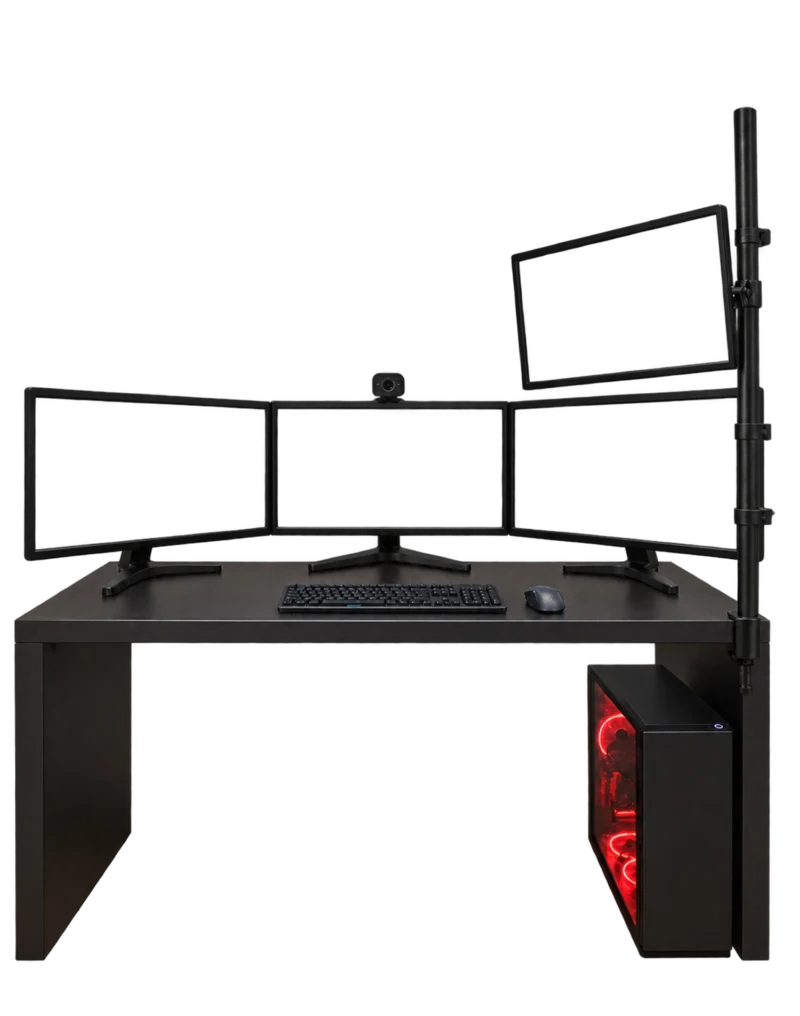
Before the switch you get a Linux workstation to work on. Who uses it, for how long and for which tasks is agreed with you, so the people who will use Linux every day find problems before everyone moves.
Maintained after the switch
Enrolled in inWD
After the switch each workstation is enrolled in inWD, our managed service, the same way a server is. Once enrolled, we keep it updated and fix problems remotely from the inWD panel at console.inwd.org, so nobody has to bring machines to us.
About inWD
Start with a conversation
Tell us what you are working on and where you need a dependable partner.
Contact WEBDEPLOY™